
I keep an  on your nonprofit’s website.
 on your nonprofit’s website.
I design, build and look after websites for Canadian nonprofits and businesses.
It takes about a minute. You get the top five things to fix.

Recent work for nonprofits and businesses.

Brett Kissel
Country music artist. Website design, care and WooCommerce store.
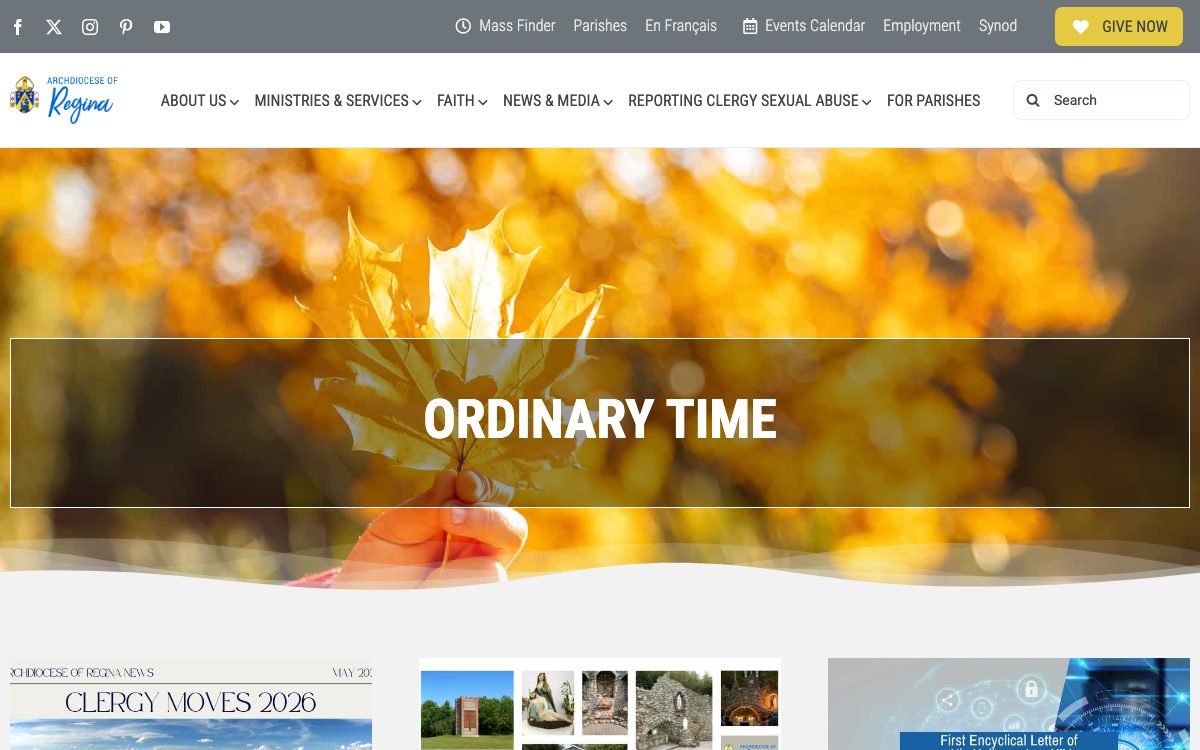
Archdiocese of Regina
Catholic archdiocese. Monthly care and new pages.
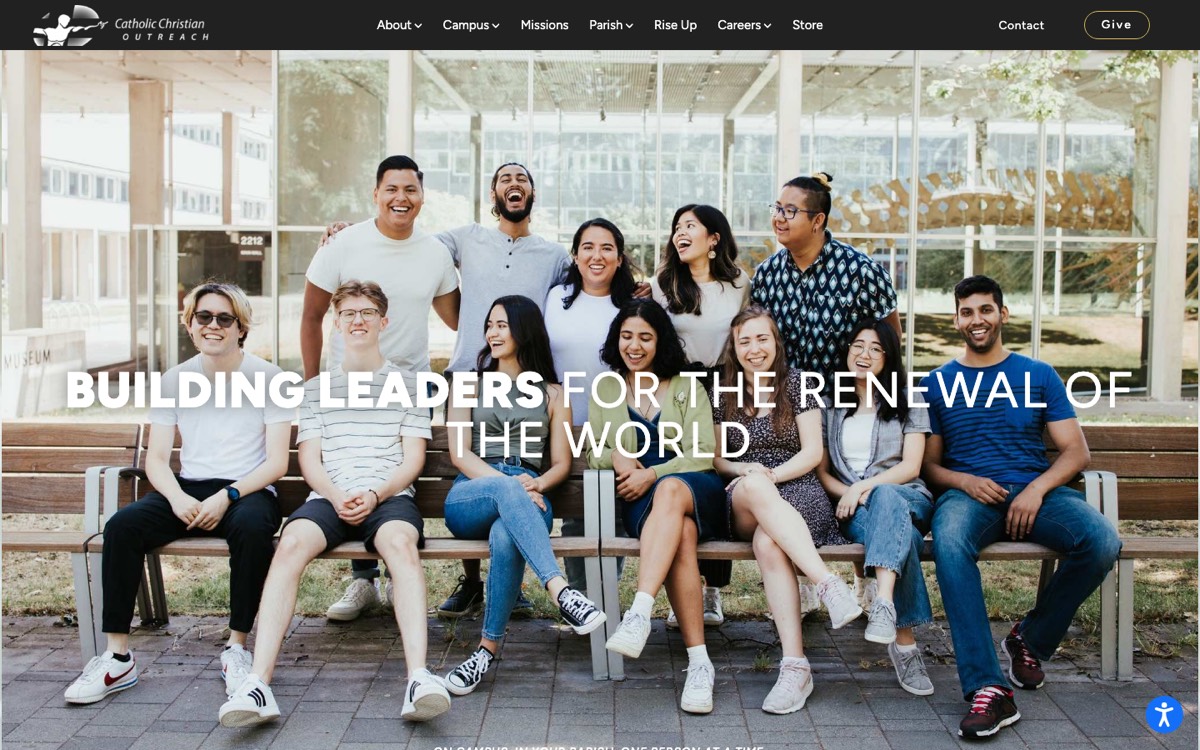
CCO
National campus charity. Monthly care and custom development.
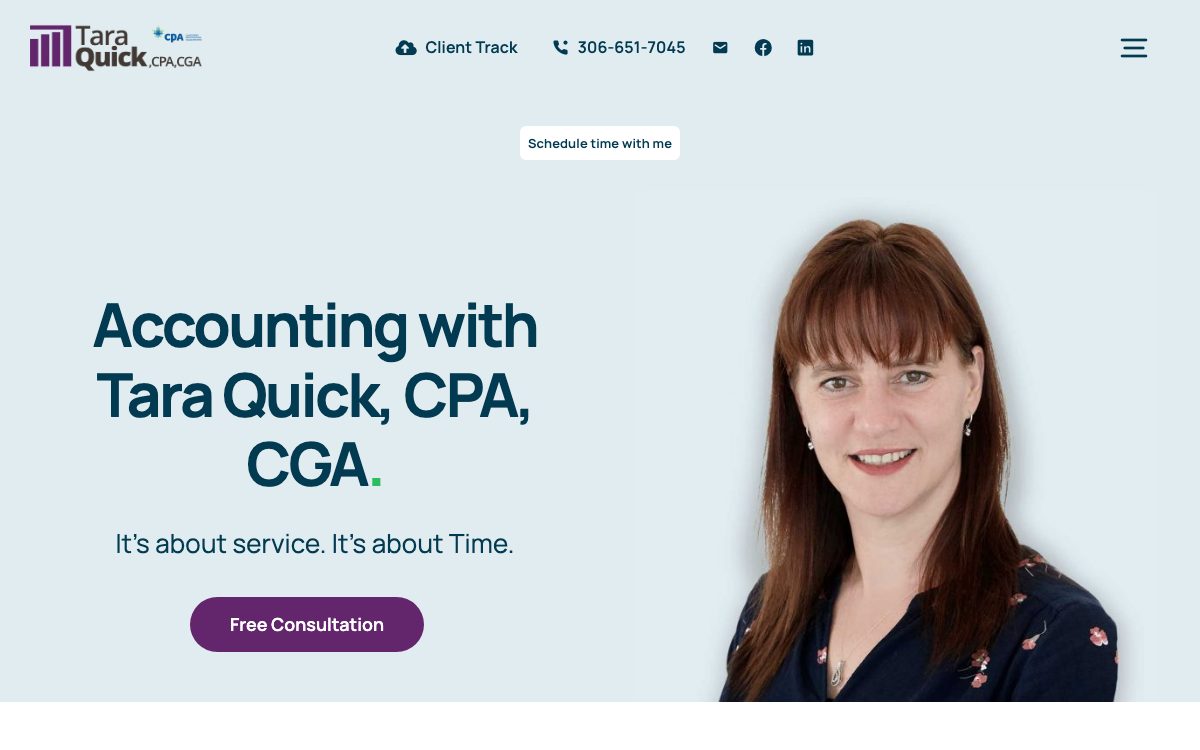
Tara Quick, CPA
Saskatchewan accounting practice. Website design and build.
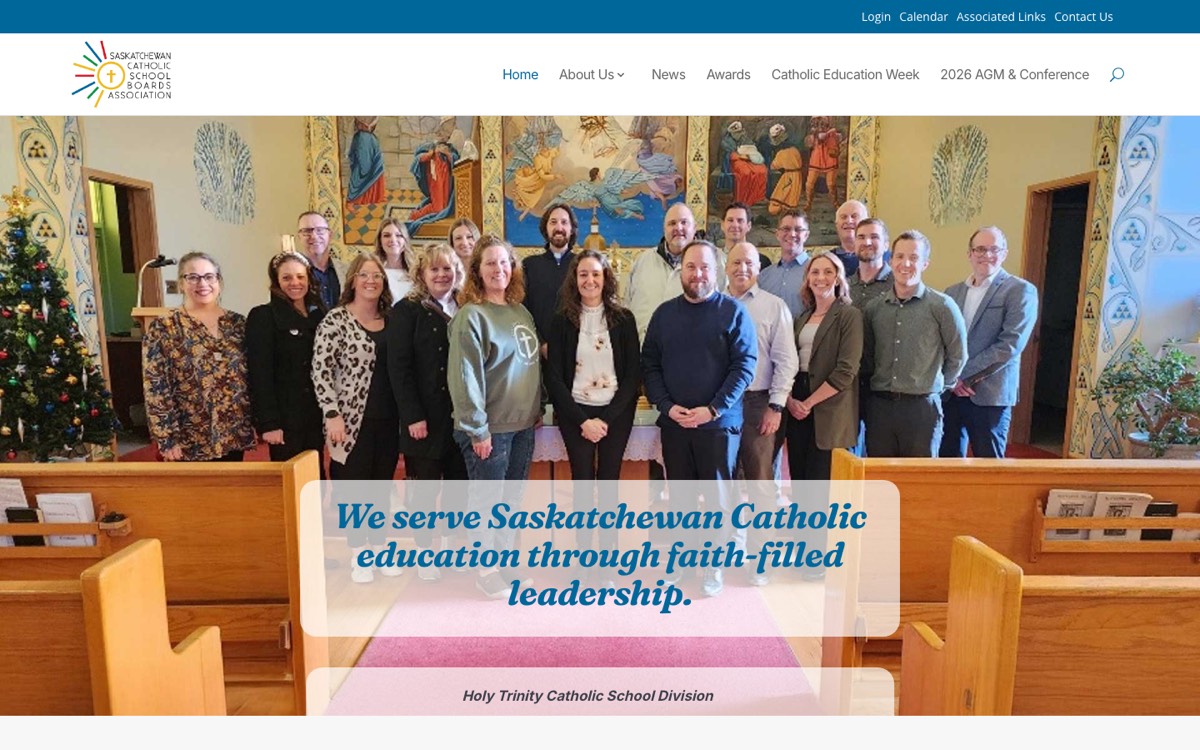
SCSBA
Provincial school boards association. Monthly care and design.
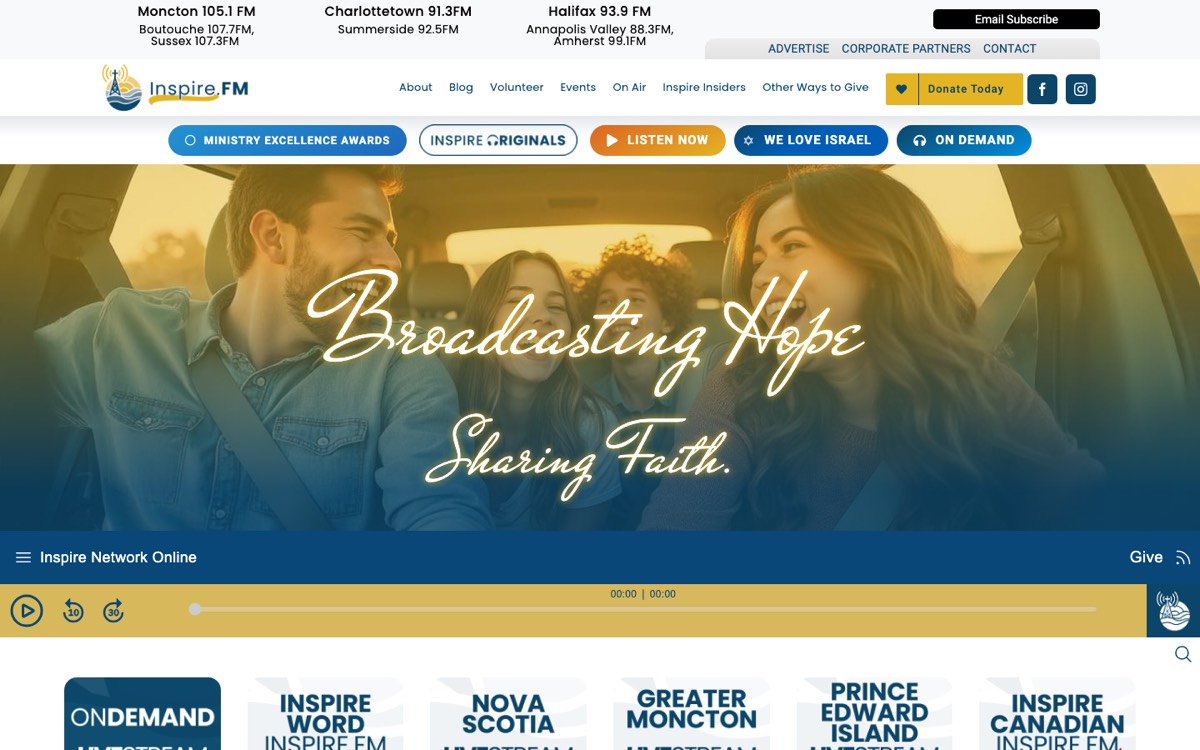
Inspire.FM
Listener-supported radio network. Monthly care and new pages.
Also looking after: Conquest Saskatoon and Saint Anne’s Parish.
What I keep an eye on.
Every care plan covers all six. Plans start at $210 a month.
Uptime
Watched around the clock. If your site goes down, I know before you do.
Updates
WordPress, theme and plugin updates, tested before they go live.
Support
Phone and email, straight to me.
Security
Monitored for problems, so they get caught early.
Priority
Care plan clients go to the front of the queue.
Changes
3 to 12 hours a month for new pages, edits and fixes.
I also do: new website design, emergency repairs, logos and print.
Why me and not an agency.
You get the same quality of work. The difference is who does it and what you pay for.
A typical agency
Who does the work
Whoever is assigned to your account
Me, every time, with 20+ years behind it
Where your budget goes
Staff, office, sales and your site
Your site
When something breaks
A ticket in a queue
Urgent problems are usually fixed the same day
Routine changes
Quoted and scheduled
Done within one to two business days
If you ever move on
Often tied to their hosting or platform
It’s standard WordPress, so you’re never locked in
“He’s reliable, responsive, and genuinely cares about getting it right. I wouldn’t trust anyone else with our online presence.”
Tara Quick, CPA
“Cary has been looking after our parish website for years. He keeps everything running smoothly so we can focus on our community, not technology.”
Saint Anne’s Parish, Saskatoon
Tell me about your site.
Send a note and I’ll reply within one business day. Or email me directly at info@cjamesrun.com.